

Send professional invoices and payment requests for projects, retainers, deposits, or completed work—without asking clients to call or visit in person.
Learn more in universell.usProfessional services
For Accountants
Send invoices, collect payments in person or remotely, and keep client records organized—whether you run a consulting firm, agency, accounting practice, legal office, or other professional service business.
Connected tools
Invoicing, payments, and client workflow in one place
Professional service businesses often need more than a terminal. They may need invoicing, payment links, a virtual terminal, client records, recurring billing, reporting, and tools that stay connected to how work gets billed. SPSeast helps bring those pieces together in one connected setup.
Starting options
Simple starting points for professional service businesses. Final pricing depends on selected tools, setup, and approval.
Professional Tools
Learn more in universell.usFor firms that need invoicing basics, client records, and day-to-day professional service tools.
$19.95/mo.
per location / software starting point
What you get
- Invoicing basics
- Client records
- Basic reporting
- Payment organization
- Basic follow-up tools
Best for consultants, agencies, and smaller professional firms starting simple.
Payments + Business Tools
Learn more in universell.usFor firms that want invoicing plus payment links, virtual terminal, and connected business tools.
$39.95/mo.
per location / software starting point
+15¢ / transaction may apply depending on setup
What you get
- Everything in Professional Tools
- Payment links
- Virtual terminal
- Client records
- Connected business tools
Best for firms that want billing, payments, and client tools in one connected setup.
Pricing are for merchants onboarded with our merchant services



Available POS
POS options for professional service businesses
From simple countertop terminals to connected Clover and Universell setups for firms that also accept in-person payments. Your business could be eligible for any of our Point of Sale at no cost.
Basic
No Universell integration. In-person payments or keyed entry only.

Clover Compact
Compact countertop terminal for card-present or keyed payments at the front desk or office.
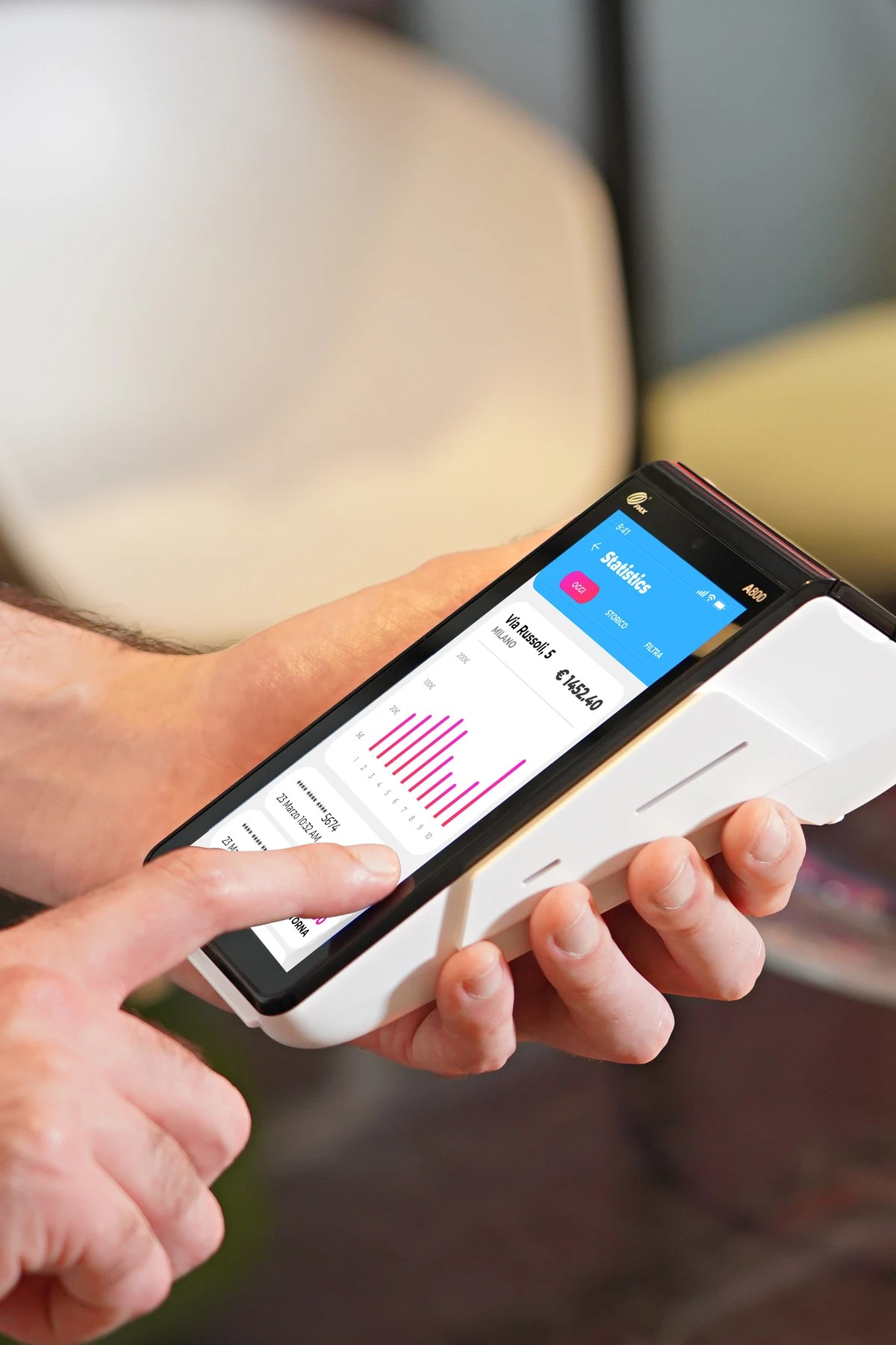
PAX
Handheld terminal for in-person or keyed payments during client visits or at the office.
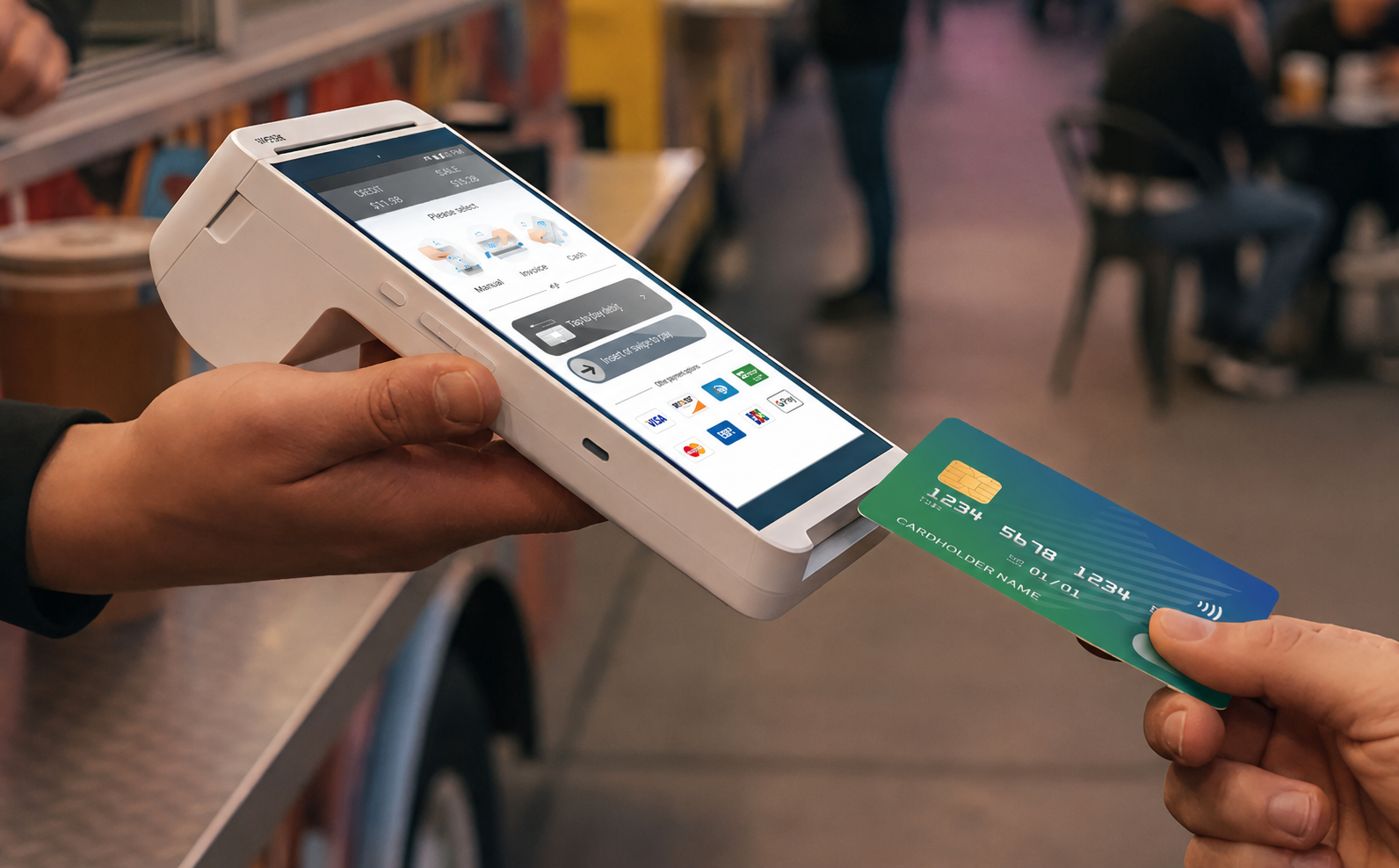
Valor
Reliable terminal option for straightforward card-present acceptance.
Starter
Connected setups that pair POS hardware with Universell or Clover business tools.
PAX
PAX integrated with Universell tools such as invoicing, client manager, and the full Universell toolkit.

Clover Flex
Clover Flex with Clover apps or Universell business tools, depending on setup.
Advanced
Full-featured POS systems for offices with more in-person payment volume and connected workflows.
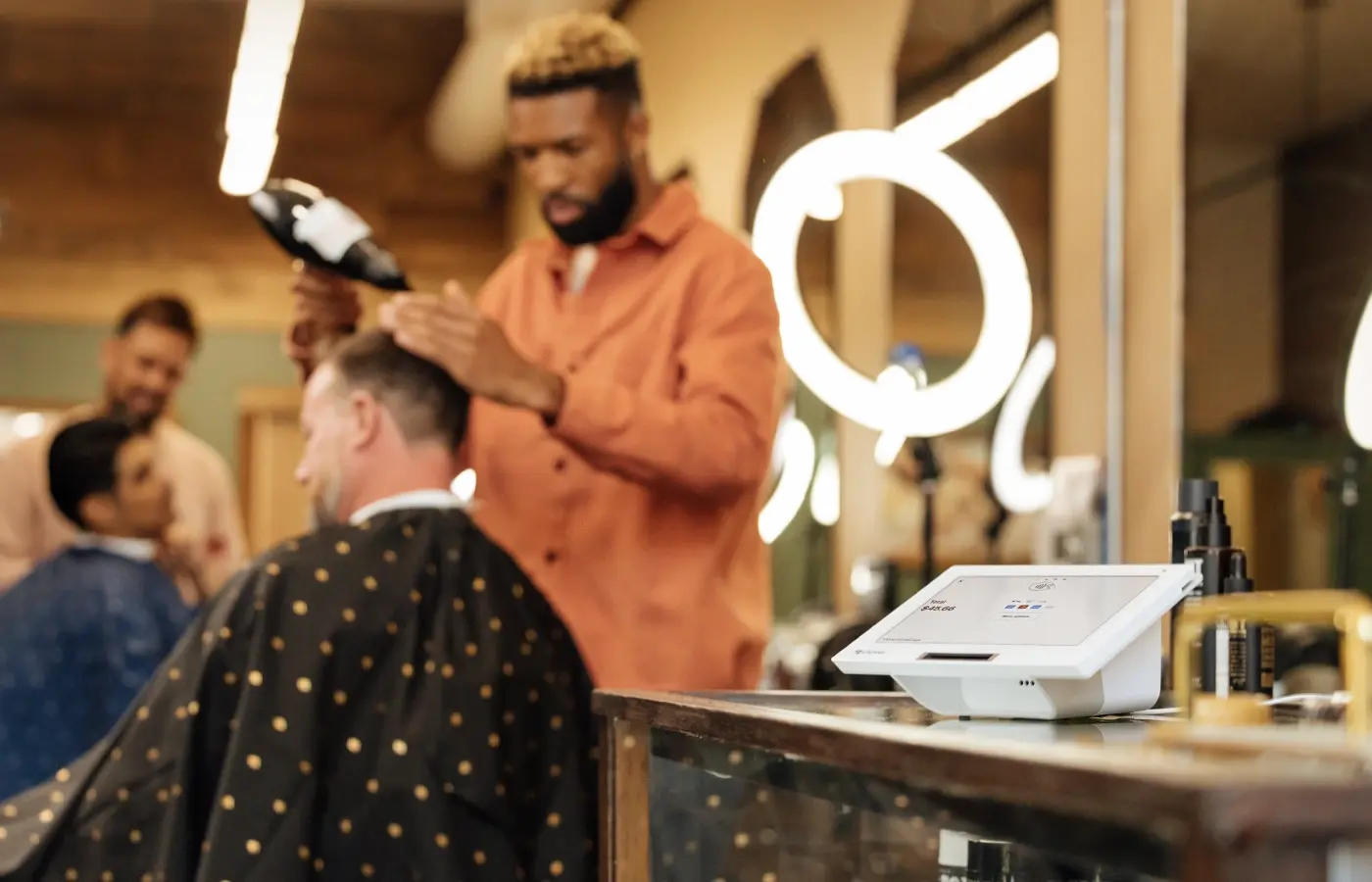
Clover Mini
Clover Mini with Clover apps or Universell business tools, depending on setup.
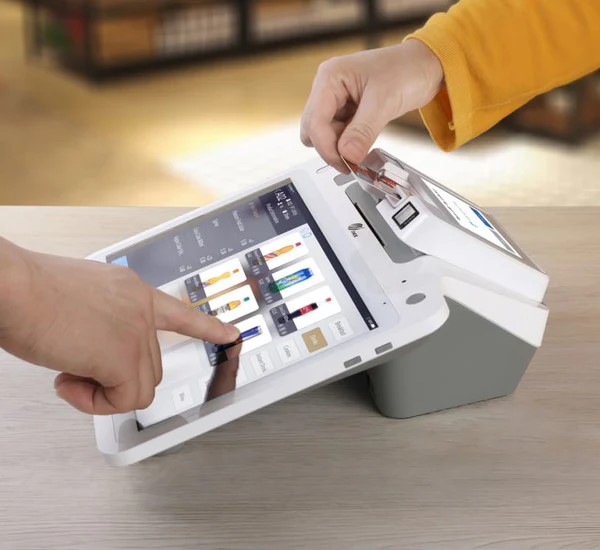
PAX
PAX with invoicing, client management, and the full Universell toolkit.
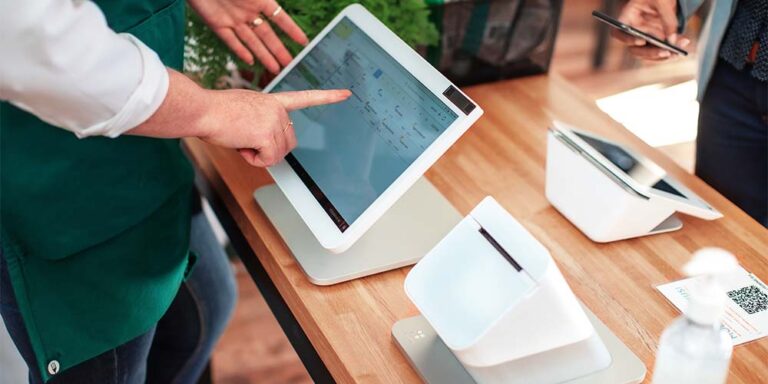
Clover Station
Clover Station with Clover apps or Universell business tools, depending on setup.
Compare first
Before you choose Square or Clover from Clover.com
Square and Clover.com can be simple for some small businesses, but choosing a payment setup is not just about the software. It is also about transaction costs, support, and flexibility. Compare before making a decision. Get the same tools without losing your profits as you grow.
Important for Clover users: If you bought your equipment from any other source, we cannot reuse it.
We review your statement and card mix before recommending a setup—so you see numbers that fit your business, not a generic pitch.
Not sure which setup fits your firm?
We can help you compare POS options, invoicing tools, payment links, and client workflows based on how your professional service business operates.