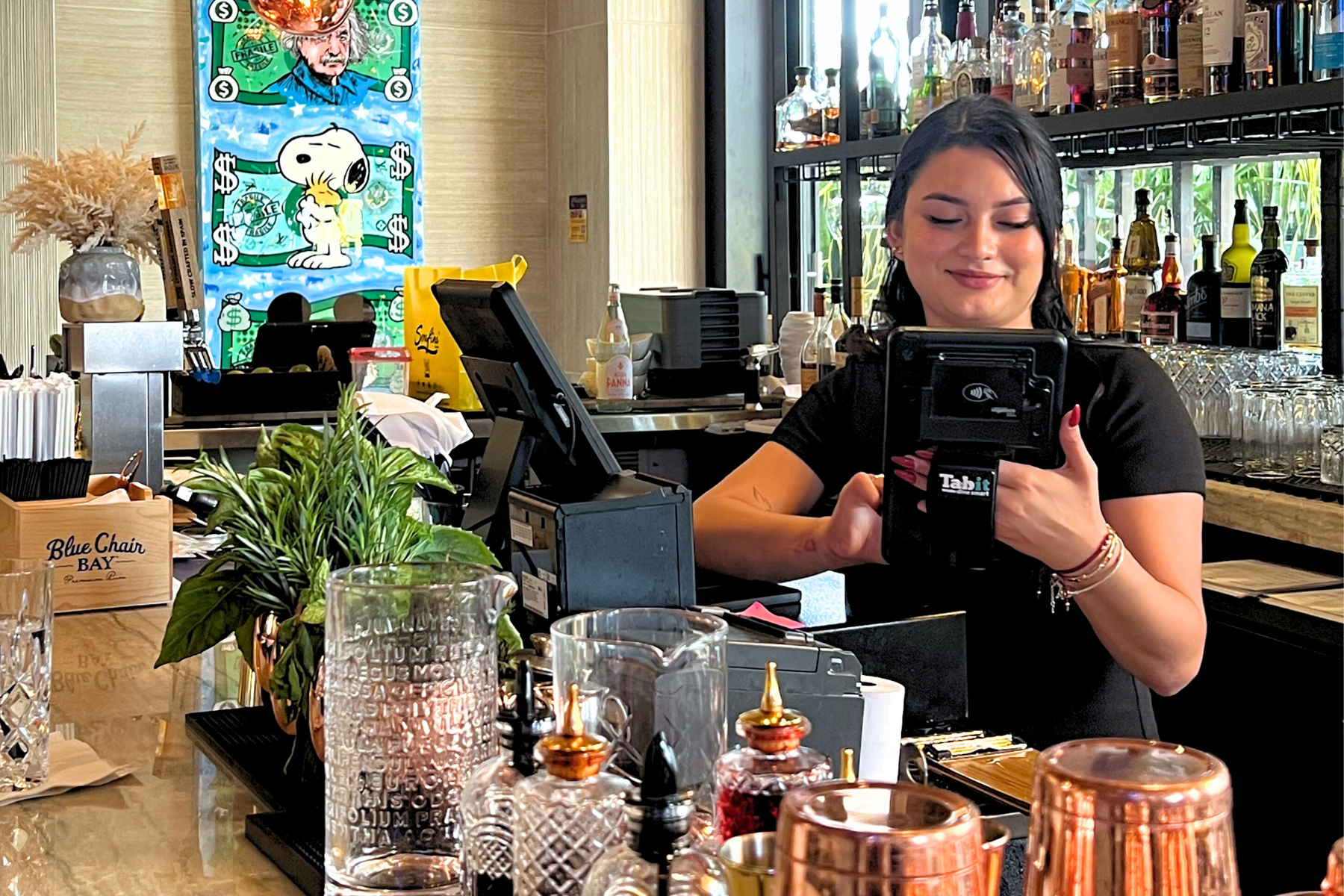
POS Systems
A Point of Sale for every business
with SPSeast guidance before you commit.
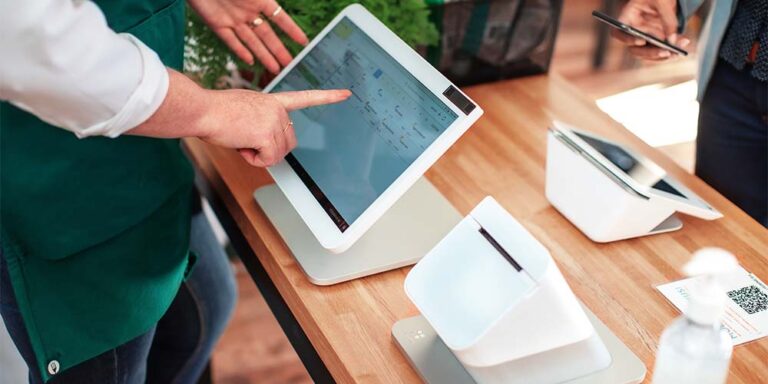
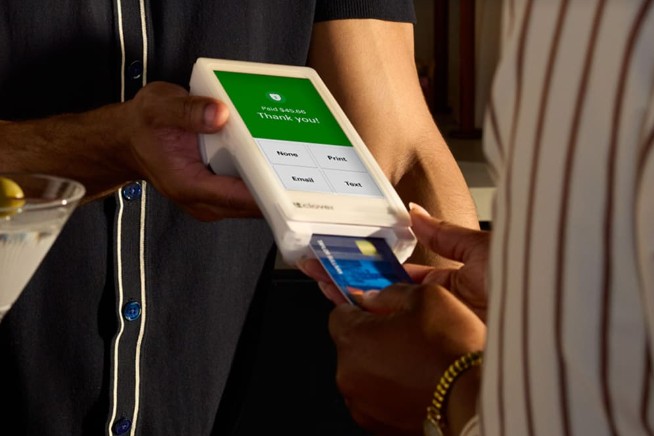
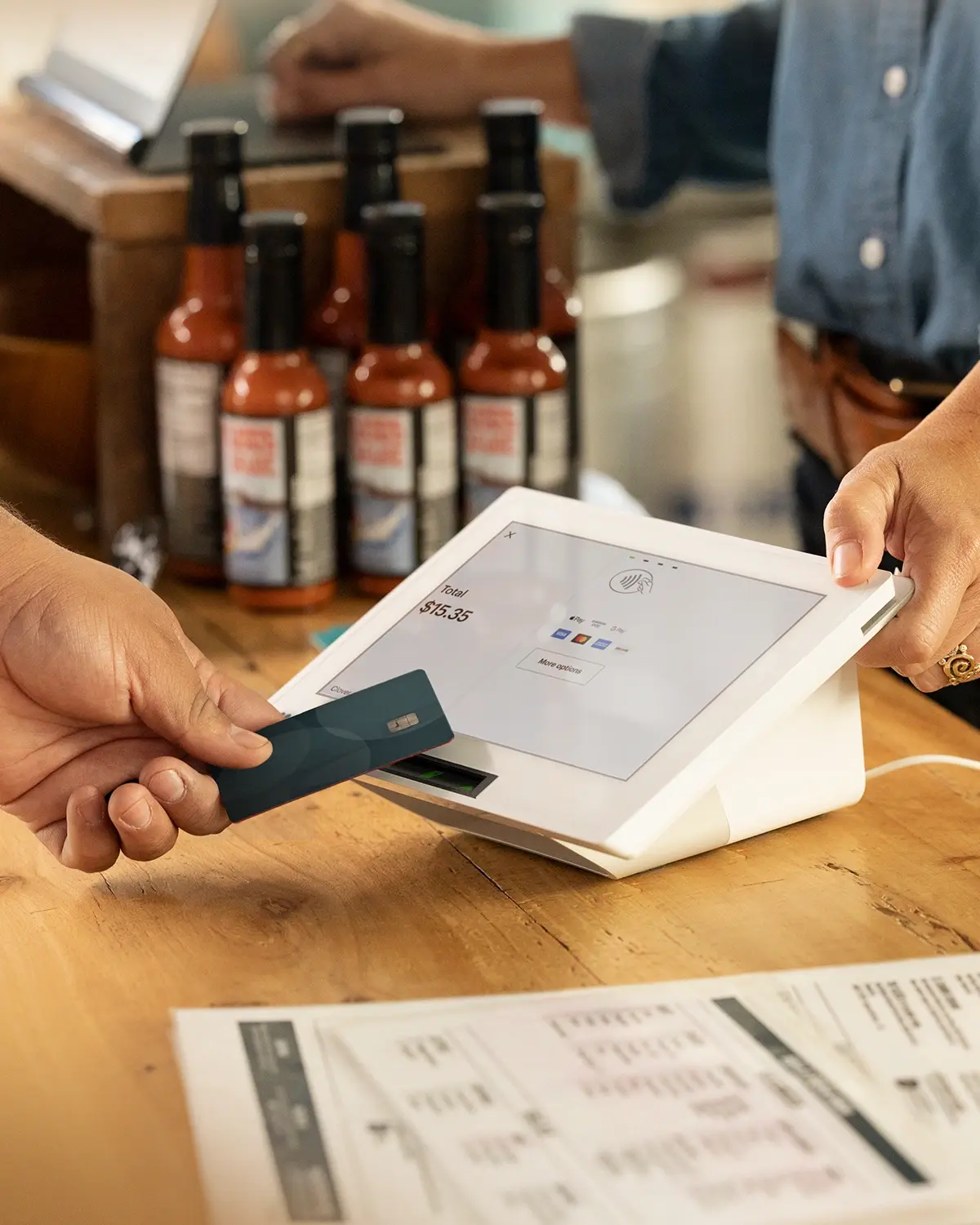
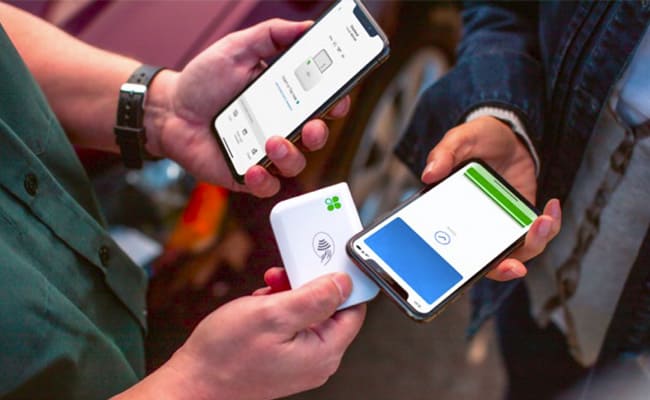
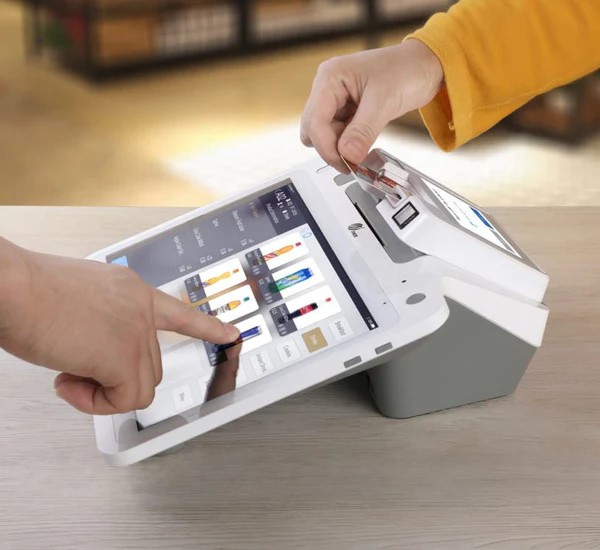
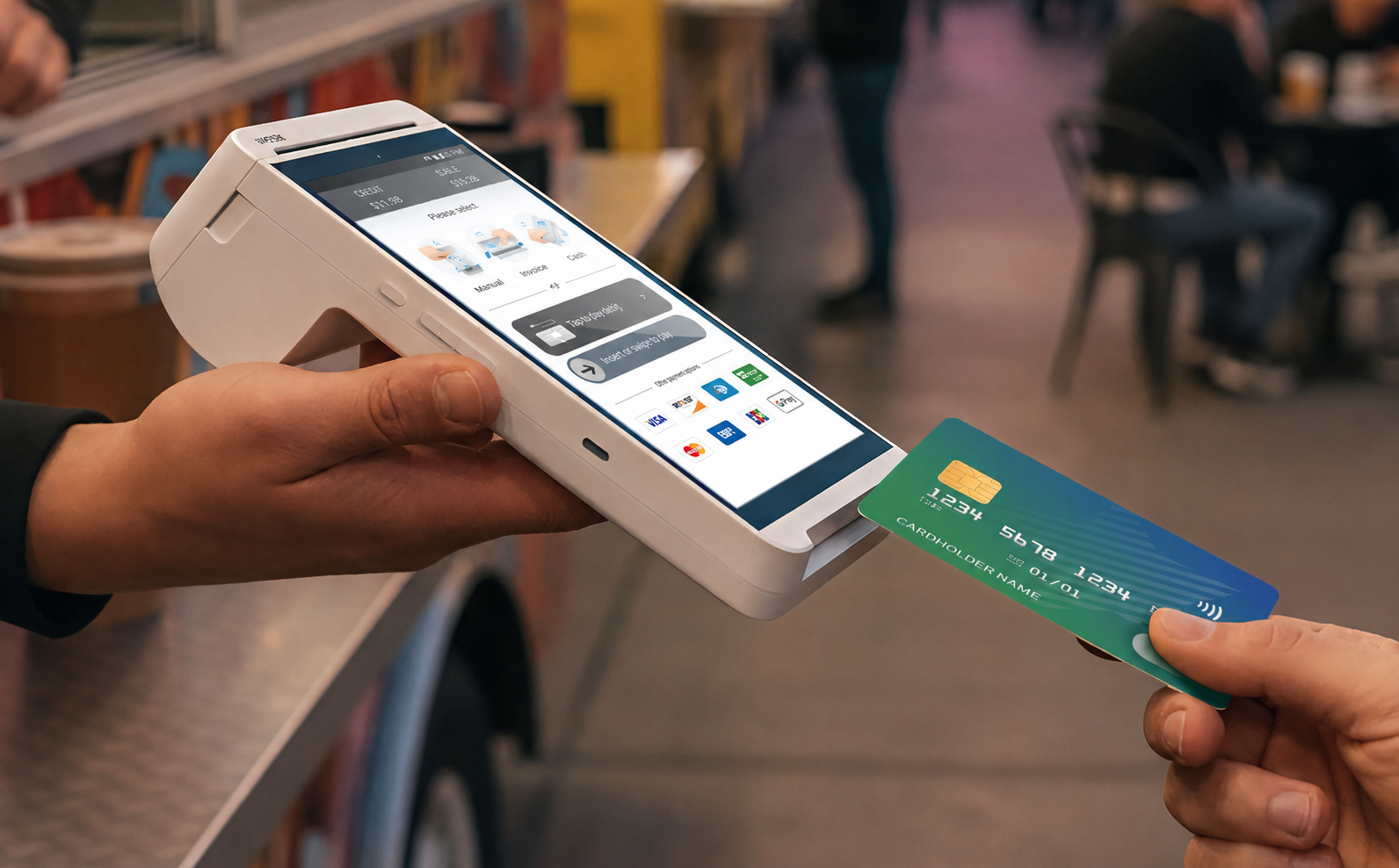
A countertop terminal, mobile POS, or gateway-first setup can each fit a different workflow. The real decision is not only the device—it is processing structure, software, support, and long-term flexibility.
SPSeast helps you compare Clover, Valor, PAX, and connected business tools based on how you actually sell—before you lock into hardware or processing terms.

Compare first
Why compare POS systems through SPSeast
SPSeast sits inside the Fiserv ecosystem and works with multiple POS and payment platforms—that is why we can help compare setup options and processing structure.
The real decision is not only the device. It is the processing structure, long-term flexibility, and when payments stop working, you need someone who answers the phone, understands your account, your device, and your setup—not just a generic support path.
Important for many merchants: if you bought equipment from another source, it may not transfer to a new provider or merchant account.
We review your statement and card mix before recommending a setup—so you see numbers that fit your business, not a generic pitch.
Point of Sale Devices
POS hardware for counter, mobile, and self-service
Each business needs a different device. Open a business type below to see which POS setup fits best, what is typically included, and when a software subscription applies.