
Basic
Accept payments and run your business with a compact countertop terminal
$0/month
Software plan: Basic
Public Clover.com example. Final setup may vary.
Clover plans
with the best SPSeast fees and support.
Clover.com can be a convenient way to start, but direct flat-rate pricing may not be the best fit as your volume grows. Charging 2.5% across debit and credit transactions becomes expensive.
Consult with us before committing to Clover hardware. Devices purchased through another provider are not reusable with a new merchant account.
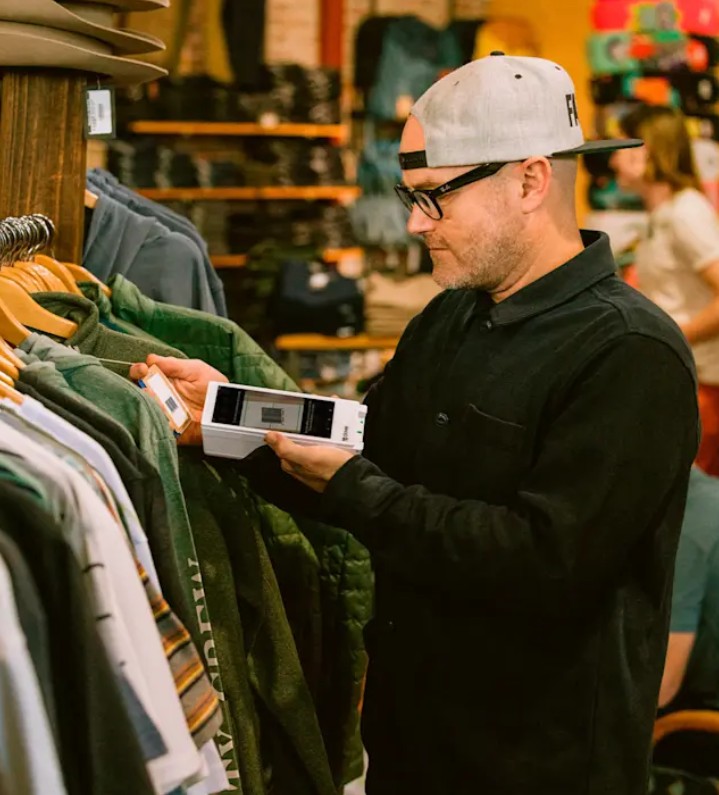

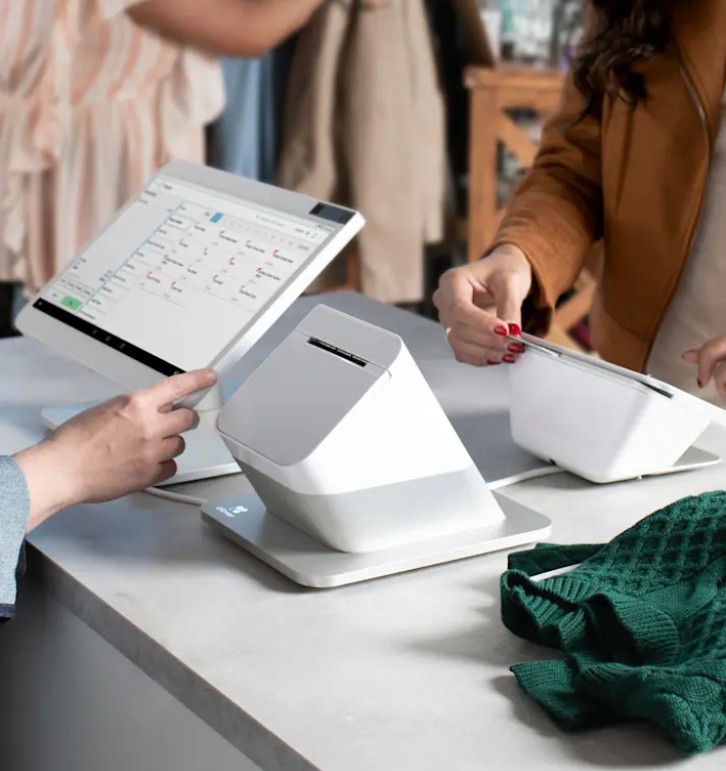
Clover retail bundles combine software, hardware, and payment processing. SPSeast helps you compare the full setup — monthly software, included hardware, transaction fees, add-ons, and support — before choosing a plan.
Accept payments and run your business with a compact countertop terminal
$0/month
Software plan: Basic
Public Clover.com example. Final setup may vary.
Sell seamlessly on a 14" touchscreen terminal paired with an 8" customer-facing display
$84.95/month
Software plan: Retail Growth
Public Clover.com example. Final setup may vary.
Extend your reach with a handheld device on top of our 14" and 8" countertop display
$104.90/month
Software plan: Retail Growth
Public Clover.com example. Final setup may vary.
Accept payments and run your business with a compact countertop terminal
$0/month
Software plan: Basic
Public Clover.com example. Final setup may vary.
Sell seamlessly on a 14" touchscreen terminal paired with an 8" customer-facing display
$84.95/month
Software plan: Retail Growth
Public Clover.com example. Final setup may vary.
Extend your reach with a handheld device on top of our 14" and 8" countertop display
$104.90/month
Software plan: Retail Growth
Public Clover.com example. Final setup may vary.
Software plan
Basic
Basic
Standard
Retail Growth
Advanced
Retail Growth
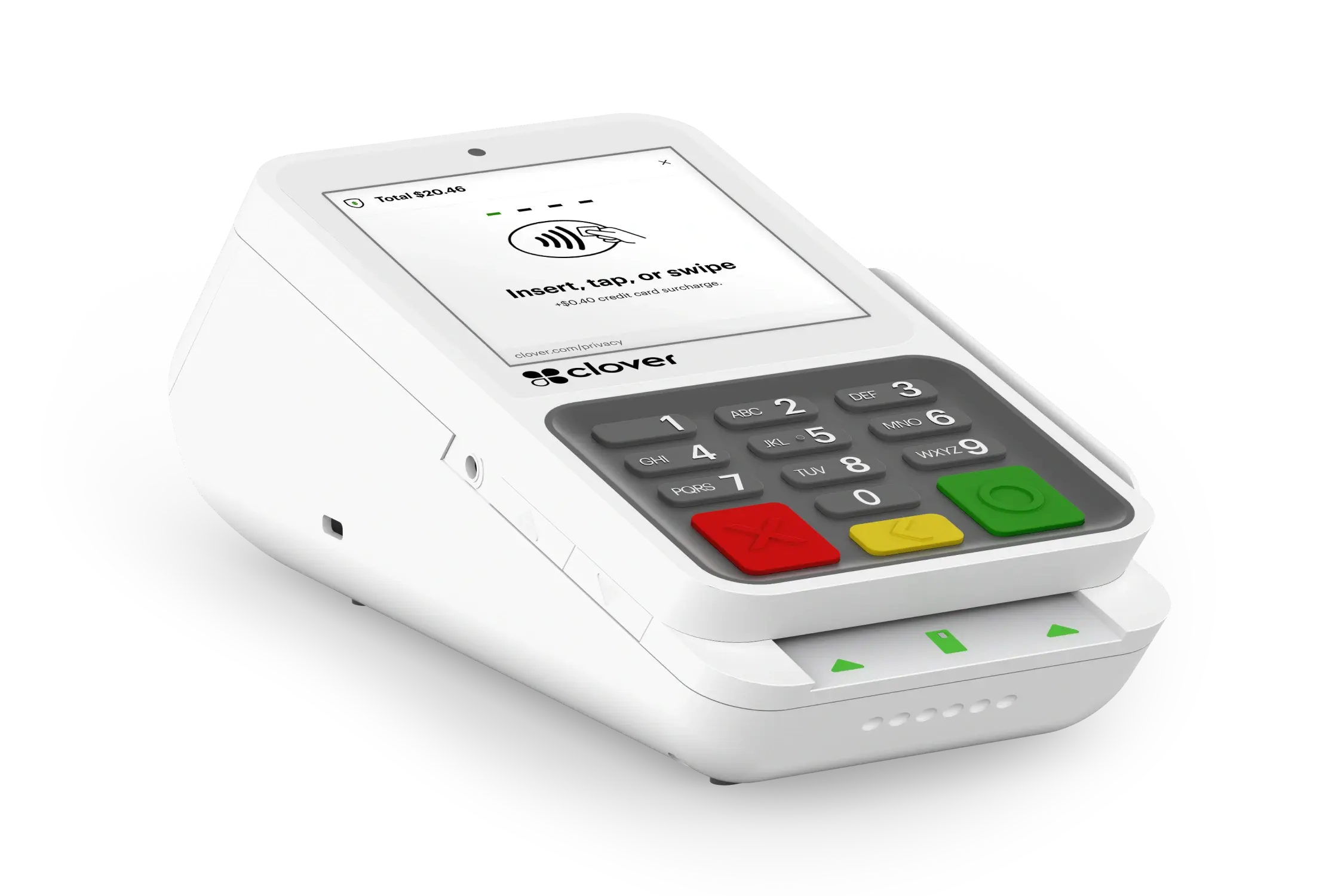
Compact terminal system with 3.6" screen
Basic
Standard
Advanced
Station Duo
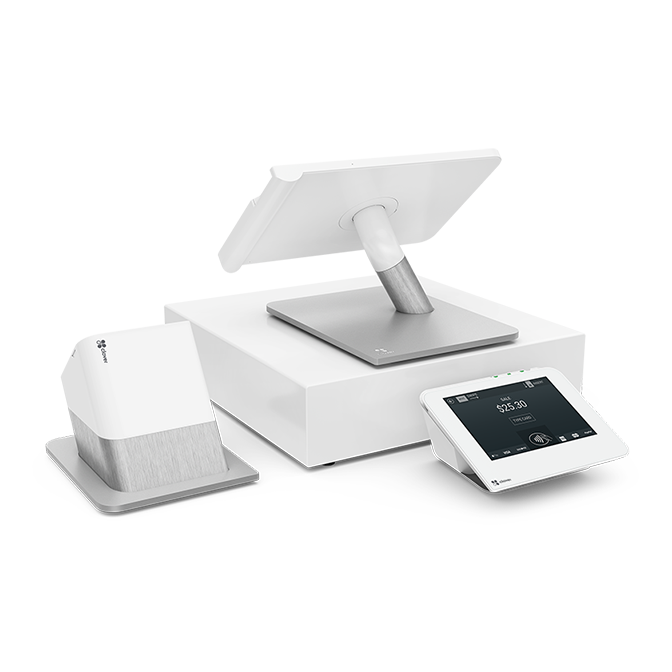
14" merchant-facing POS with 8" customer screen
Basic
Standard
Advanced
Flex
Handheld POS with an 8-hour battery life and built-in receipt printer
Basic
Standard
Advanced

Receipt printer
Basic
Built-in
Standard
Advanced
Cash drawer
Basic
Standard
Advanced
Swivel Stand
Basic
Optional add-on
Standard
Advanced
Mini
8" touchscreen POS with built-in receipt printer
Basic
Standard
Advanced
Swivel stand for Mini
Basic
Standard
Advanced
Software plan
Basic
Retail Growth
Retail Growth
Compact terminal system with 3.6" screen
Station Duo
14" merchant-facing POS with 8" customer screen
Flex
Handheld POS with an 8-hour battery life and built-in receipt printer
Receipt printer
Built-in
Cash drawer
Swivel Stand
Optional add-on
Mini
8" touchscreen POS with built-in receipt printer
Swivel stand for Mini
Card tapped, swiped, or inserted
Published Clover.com example compared with SPSeast starting rates for discussion only
Basic
Clover.com2.5% + 10¢
SPSeastStarts at approx. 0.5% + 10¢
Standard
Clover.com2.5% + 10¢
SPSeastStarts at approx. 0.5% + 10¢
Advanced
Clover.com2.5% + 10¢
SPSeastStarts at approx. 0.5% + 10¢
Card information typed in
Published Clover.com example compared with SPSeast starting rates for discussion only
Basic
Clover.com3.5% + 10¢
SPSeastStarts at approx. 1.4% + 10¢
Standard
Clover.com3.5% + 10¢
SPSeastStarts at approx. 1.4% + 10¢
Advanced
Clover.com3.5% + 10¢
SPSeastStarts at approx. 1.4% + 10¢
Card tapped, swiped, or inserted
Published Clover.com example compared with SPSeast starting rates for discussion only
Clover.com2.5% + 10¢
SPSeastStarts at approx. 0.5% + 10¢
Clover.com2.5% + 10¢
SPSeastStarts at approx. 0.5% + 10¢
Clover.com2.5% + 10¢
SPSeastStarts at approx. 0.5% + 10¢
Card information typed in
Published Clover.com example compared with SPSeast starting rates for discussion only
Clover.com3.5% + 10¢
SPSeastStarts at approx. 1.4% + 10¢
Clover.com3.5% + 10¢
SPSeastStarts at approx. 1.4% + 10¢
Clover.com3.5% + 10¢
SPSeastStarts at approx. 1.4% + 10¢
Clover.com published rates are fixed fees, but flat-rate pricing becomes expensive as volume grows — especially when debit and credit are priced the same way. SPSeast can review your volume, card mix, and transaction types to compare whether another pricing structure may fit better. SPSeast merchants are eligible for pricing structures starting around 0.50% over cost, depending on business type, volume, underwriting, and final agreement.
Clover.com pricing examples are shown for discussion and comparison only. Pricing, hardware, processing rates, software plans, promotions, and availability may change and can vary by business type, provider, underwriting, and final merchant agreement.
SPSeast can help compare Clover.com public pricing against alternative processing structures, support options, and total monthly cost before you commit.
Request a review of Register vs. Register Lite, device options, and estimated monthly software costs for your store.